

Register a new account
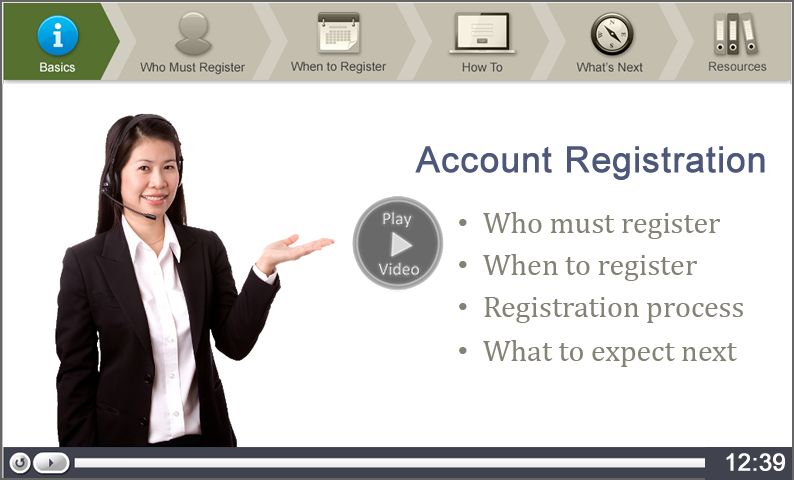
Get ready to register:
Before you start the registration process, we recommend you review the following pages to help you navigate the process efficiently:
To register a new Minnesota Employer Account online:
- Go to ui.mn.gov
- Select Employers & Agents.
- Under I Need To...Register for an Account, select Employers.
- Select the Register button. The Employer Registration page will open.
- Provide all requested information.
IMPORTANT: The person who registers for your employer account will be asked to identify a System Administrator for the account. This can be either the person completing the registration or a different trusted individual (whose contact information must be provided before your registration is complete).
Your System Administrator will be responsible for managing access to your employer account. They can:
- Add and remove users
- Choose which tasks each user has access to perform
- Keep your account information up to date
- Report wages and make payments or assign others to do that work
The system administrator has full access to all information and all functionality within your employer account. Choose this person carefully. Select someone you trust to manage sensitive personnel records and financial transactions for your business.
Temporary user ID and password
When registering for a new employer account, you may exit before completing your registration. If you must exit, select the Save button. Your temporary user ID and password will display.
You can use your temporary user ID and password to finish your registration later. To continue your registration, return to the Minnesota Unemployment Insurance and Paid Leave employer system login page and select the Continue button.
You can also use your temporary user ID and password to submit your first wage detail report after you complete registration.
Note: Your temporary user ID and password are valid only until your permanent User ID and password arrive in the mail.
Permanent user ID and password
For security reasons, full access to the Minnesota Unemployment Insurance and Paid Leave employer system is available only with a permanent User ID and password. A temporary User ID and password cannot be used to make UI tax payments, Paid Leave premium payments, or to designate a Paid Leave Administrator. After you successfully complete the registration process, your permanent User ID and password will be mailed to you.
Video tutorials are provided to assist you in using Minnesota’s Joint Unemployment Insurance - Paid Leave Employer System. Every effort has been made to ensure that the information provided is accurate and conforms with both Minnesota and Federal Unemployment Insurance Law. Statements are intended for general information only and do not have the effect of the law. If you have a question about your employer account, call Customer Service.